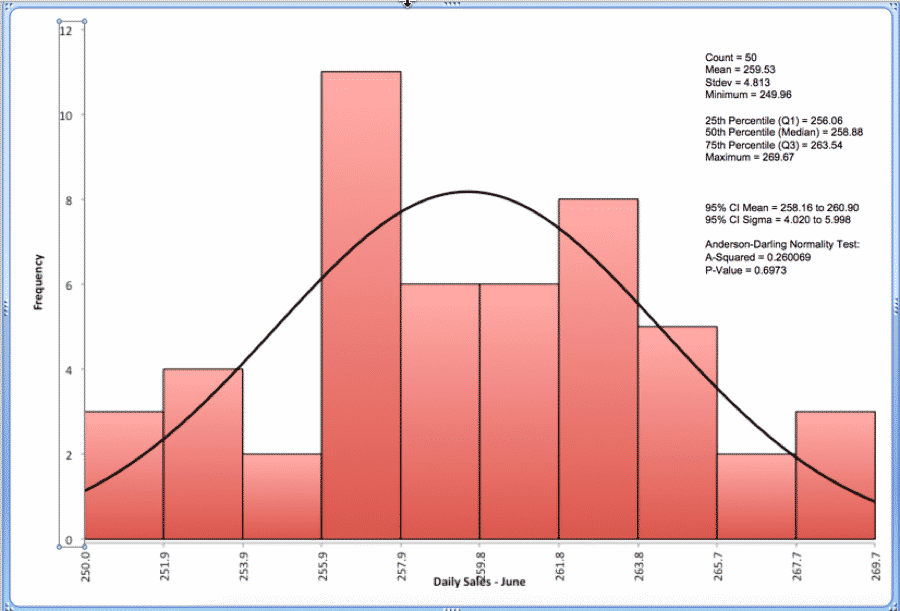




What’s a Histogram?
Histograms are frequency charts. In Lean Six Sigma, they show the distribution of values produced by a process. In other words, a histogram is a visual display of how much variation exists in a process.
Learn more about Histograms in Green Belt Training.
How to Create a Histogram in SigmaXL
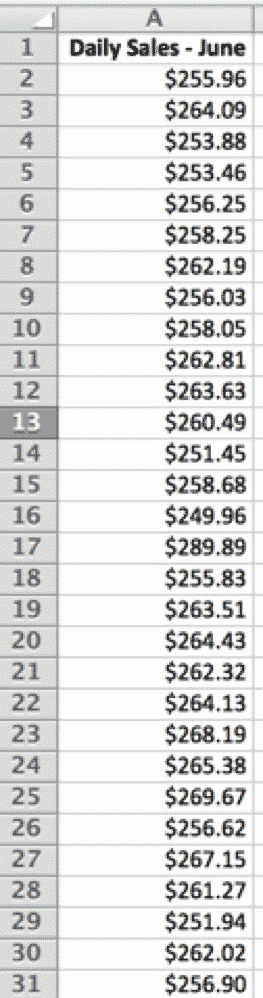
Download the beta-wp.goleansixsigma.com Histogram Data Set for SigmaXL here.
1. Select the “Histogram” tab
2. Select the raw data:
3. SigmaXL > Graphical Tools > Basic Histogram:
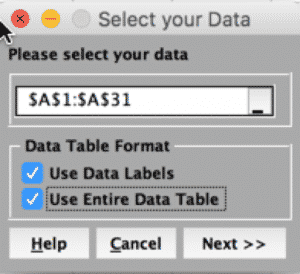
4. Click “Next”:
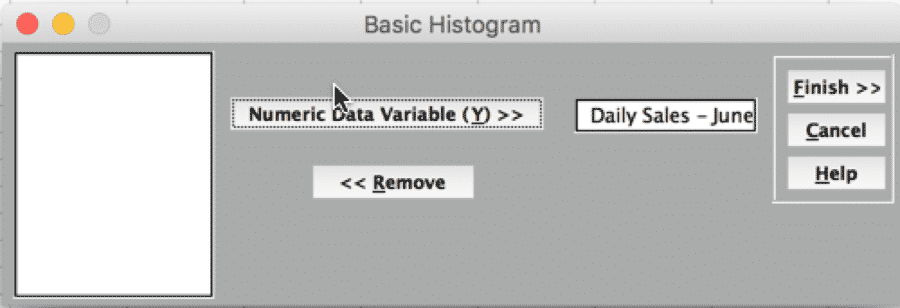
5) Click “Finish”: